 Start free on macOS
Features
Control how you write, speak and translate.
Use sliders to shape what you say or what you already wrote, and pick a target language to send it in another. Explore the steps and limits of each feature.
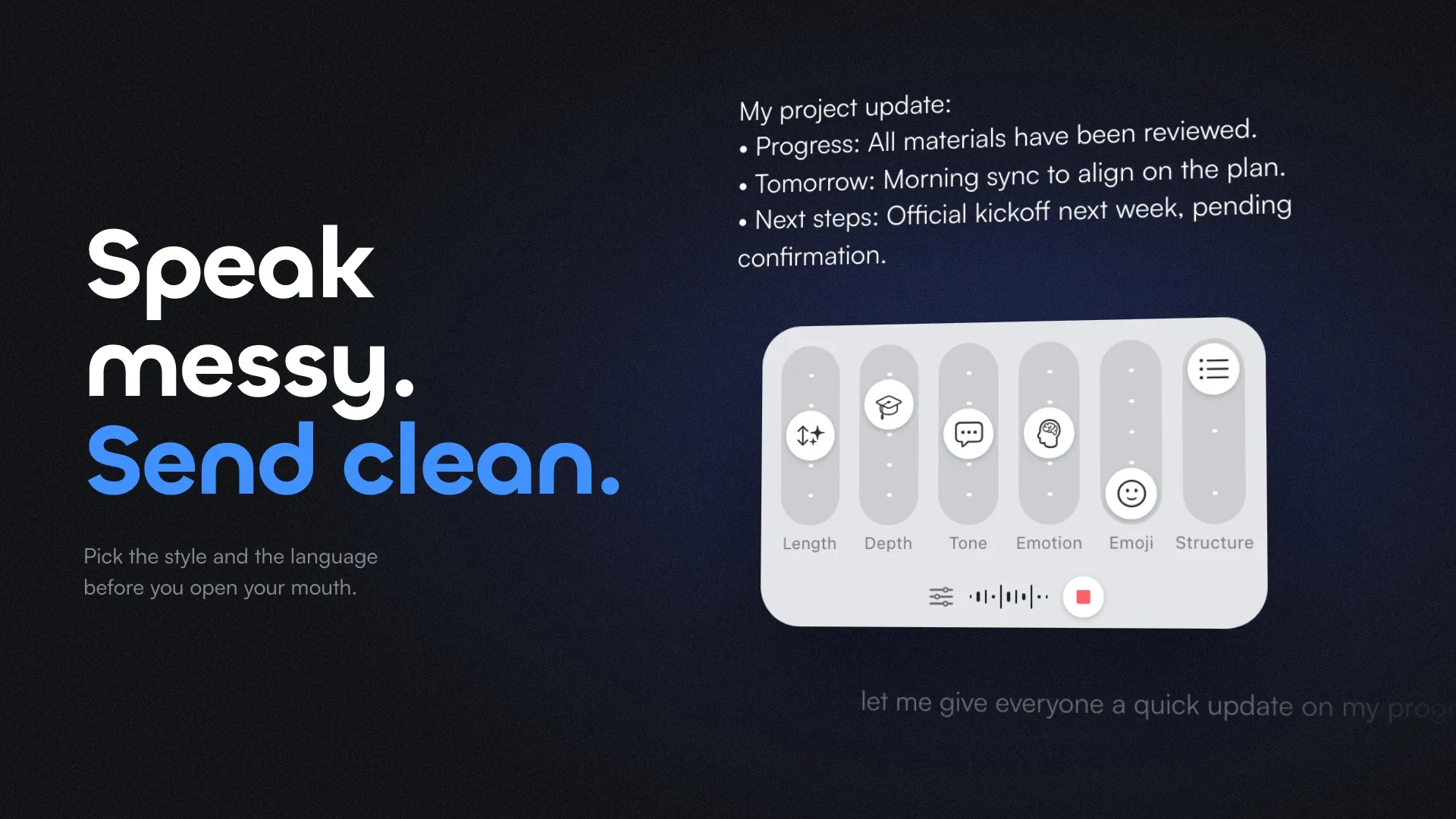 Voice typingSpeak into a supported text field and adjust the style or language before you stop recording.
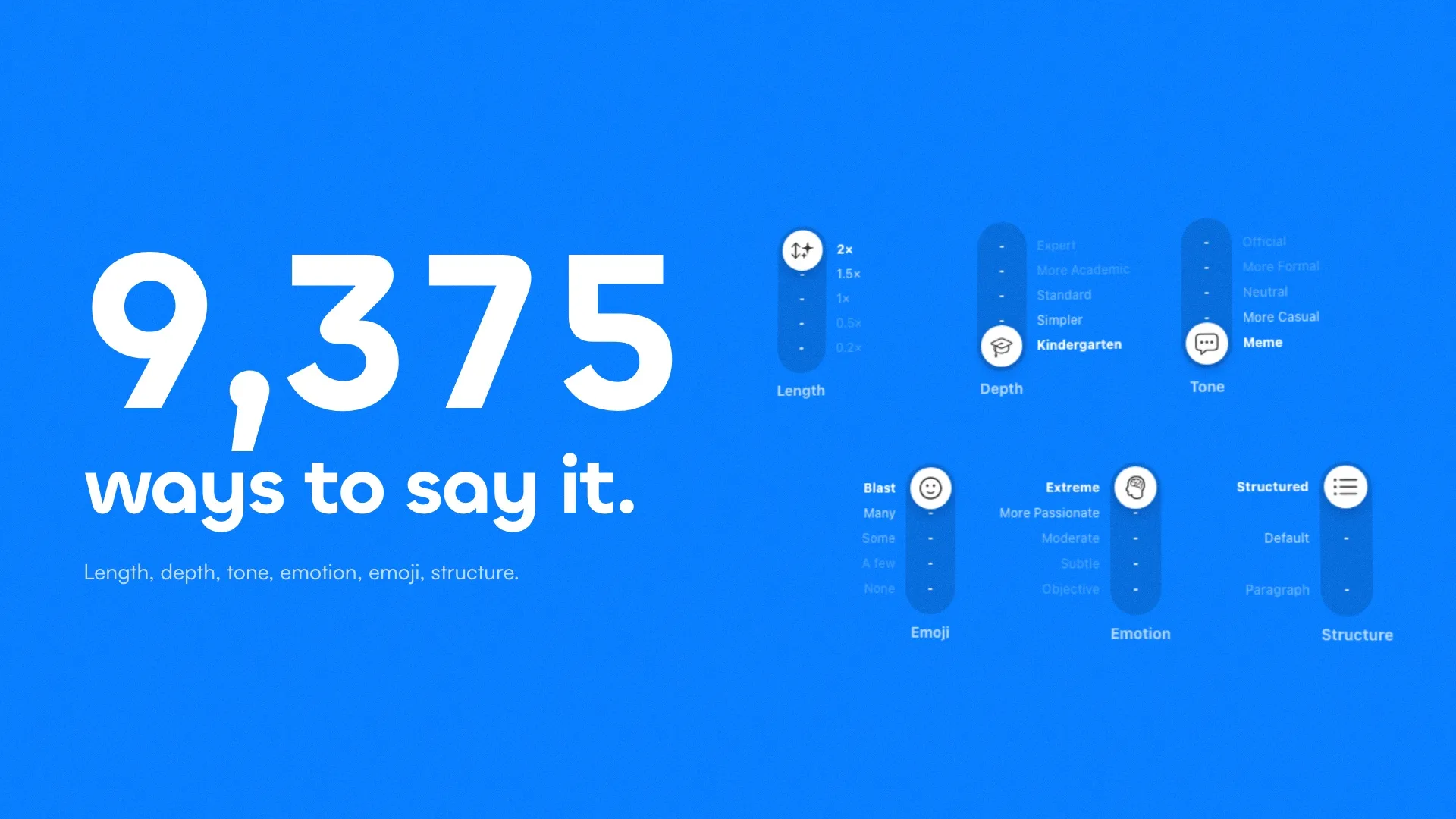 RewriteSelect text in a supported app and reshape it with six sliders. Review the replacement before sending.
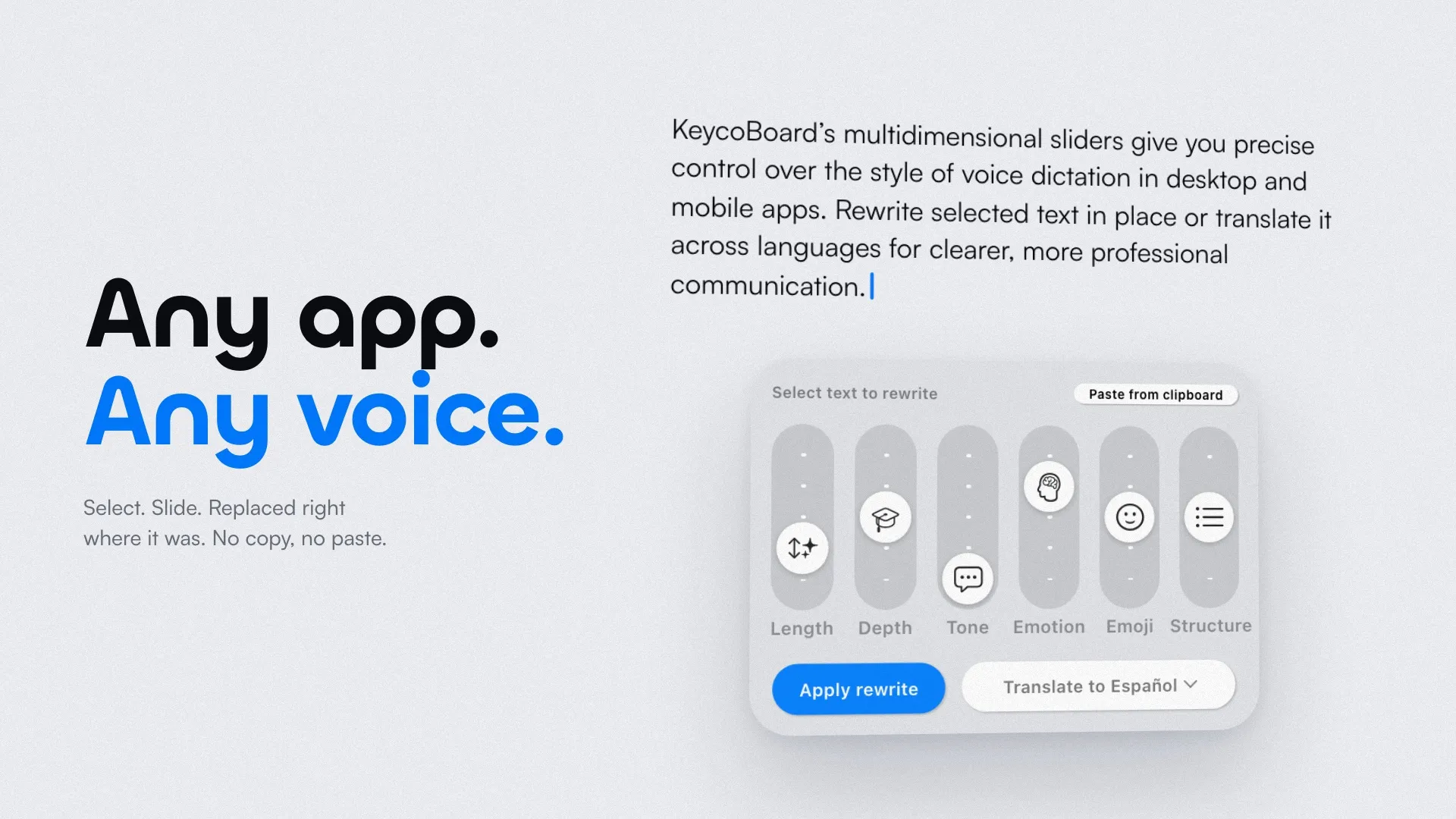 TranslateTranslate what you wrote or what you say into 45 languages and regional variants, right in the field. Chinese keyboardPinyin, Shuangpin, Wubi, Cangjie and Quick on iPhone and iPad, with voice input in the same keyboard. AI voice keyboardA keyboard for iPhone and iPad with voice input built in. Typing is free and offline; speak, set the style with sliders, and the text fills your field.
Keep exploring
CompareCompare KeycoBoard with dictation and writing apps. Check platforms, style controls, editing, prices and official sources.WorkflowsPractical KeycoBoard workflows: Chinese speech to English email, spoken notes to structured AI instructions, and drafts in different tones.App and setup guidesChoose a voice typing and rewriting app for Mac and iPhone by controls and budget. Set up KeycoBoard and understand permissions and processing.
Try it in your own text field.
Free to start on Mac, iPhone and iPad with 30 shared uses a month. Pro is US$29.99/year or US$3.99/month. See pricing