Rewrite workflow

Give the same draft a different tone.

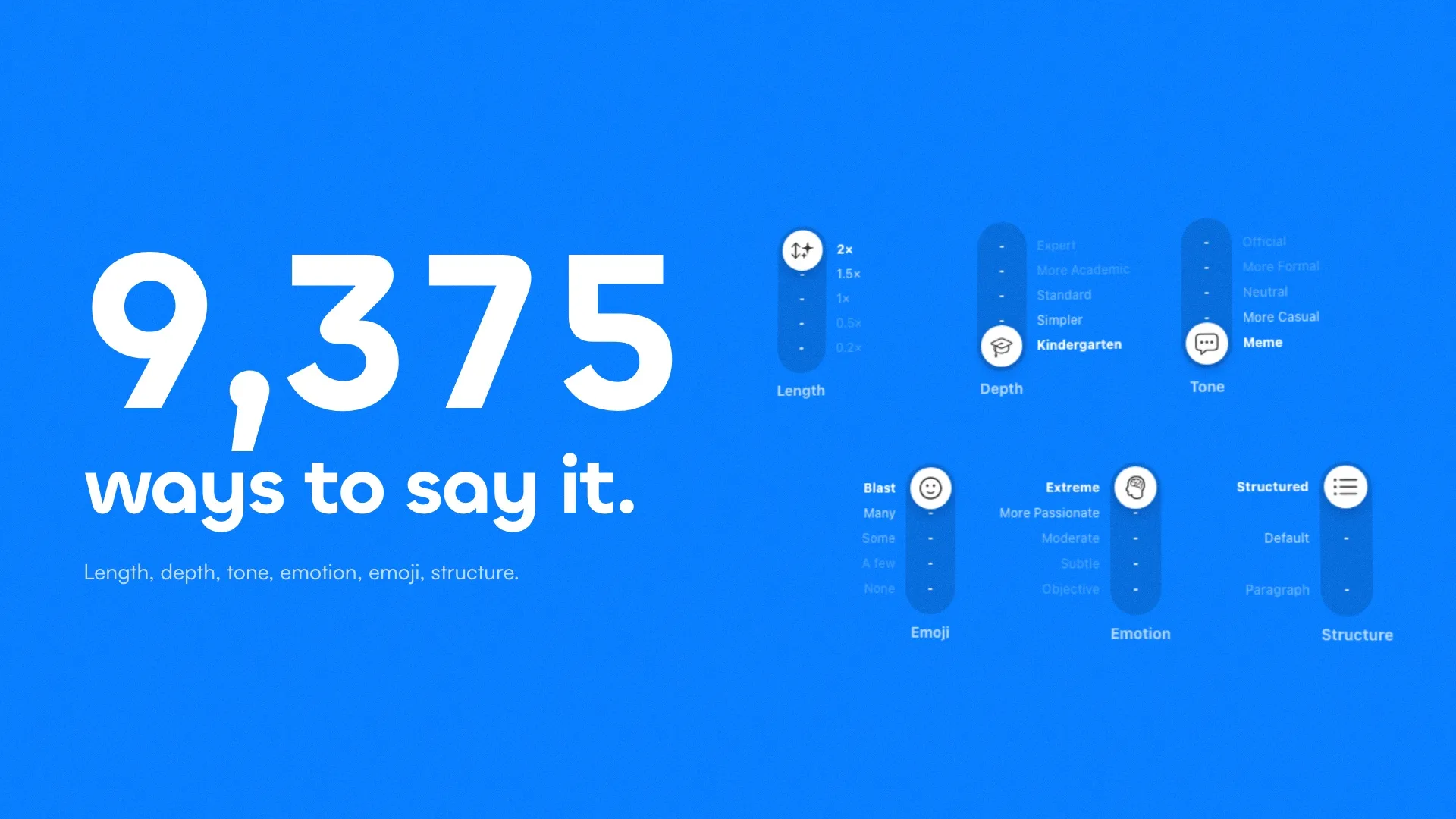
Select an existing message and change its tone with the rewrite sliders. Start each comparison from the same original draft so you can see what the tone setting changes.

The six KeycoBoard rewrite dimensions, including tone levels from casual to formal

How it works

  1. 01

    Keep a copy of the original

    Save the source draft, then select it in a supported field. On Mac, open the rewrite panel with your configured shortcut; on iOS, switch to the KeycoBoard keyboard.

  2. 02

    Change the tone

    Choose More Formal or More Casual. Keep length near 1× and emoji at None to focus the comparison on wording. Apply the rewrite.

  3. 03

    Compare the facts, then the voice

    Check names, dates, amounts and commitments. Restore the original before trying a second tone. Select the result that fits your recipient.

Input and output examples

Editorial examples illustrate the workflow, not recorded benchmark results. Actual wording varies by model, settings and context. Review facts before using the output.

More formal

Input
Hey Alex, can you send the updated quote by Friday? Please include shipping. Thanks!
Settings
Tone: More Formal. Length: 1×. Emoji: None.
Example output
Hello Alex, could you please send the updated quotation, including shipping costs, by Friday? Thank you.

More casual

Input
Hey Alex, can you send the updated quote by Friday? Please include shipping. Thanks!
Settings
Tone: More Casual. Length: 1×. Emoji: None.
Example output
Hi Alex! Could you send over the updated quote by Friday, with shipping included? Thanks!

Compare wording without losing the message

Change one control at a time

Keep the other sliders unchanged while comparing tone. Then adjust length or structure if you need another revision.

Keep the original available

Each rewrite replaces the selected text. Saving a copy makes it easier to compare versions and restore wording you prefer.

Requirements and limits

Platforms, permissions, processing and pricing.

Questions

Does the original have to come from voice input?

No. You can rewrite text you typed, pasted or dictated in a supported field.

Will a 1× length setting preserve the exact word count?

No. Length is a generation preference rather than an exact word-count guarantee.

Compare your options

Features, limits and prices, with sources.

Setup and FAQ · Privacy and processing

Try it in your own text field.

Free to start on Mac, iPhone and iPad with 30 shared uses a month. Pro is US$29.99/year or US$3.99/month. See pricing